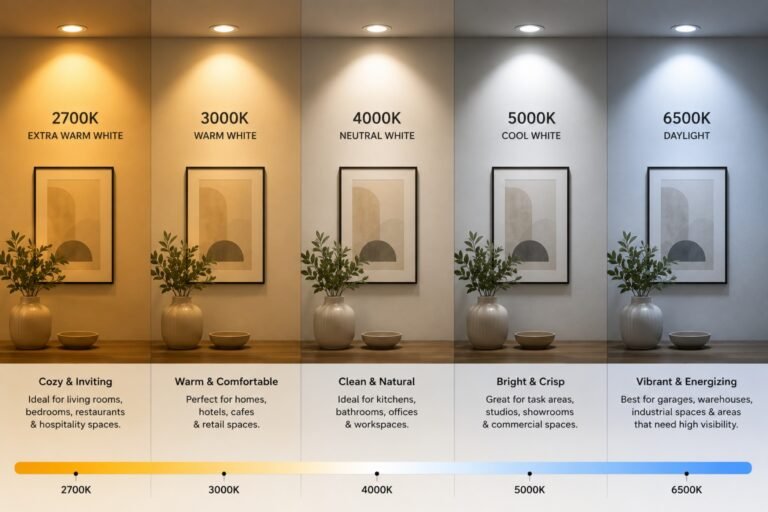
Yes, many modern LED lighting systems can be controlled remotely, providing greater convenience, flexibility, and energy efficiency. Depending on the system, users can switch lights on or off, adjust brightness, create different lighting scenes, and schedule operating times through wall controls, mobile apps, smart home platforms, or building management systems.
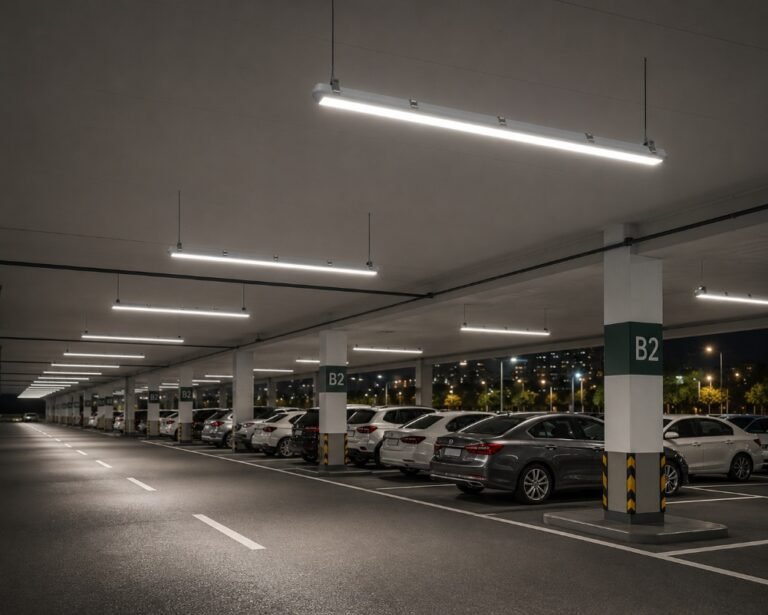
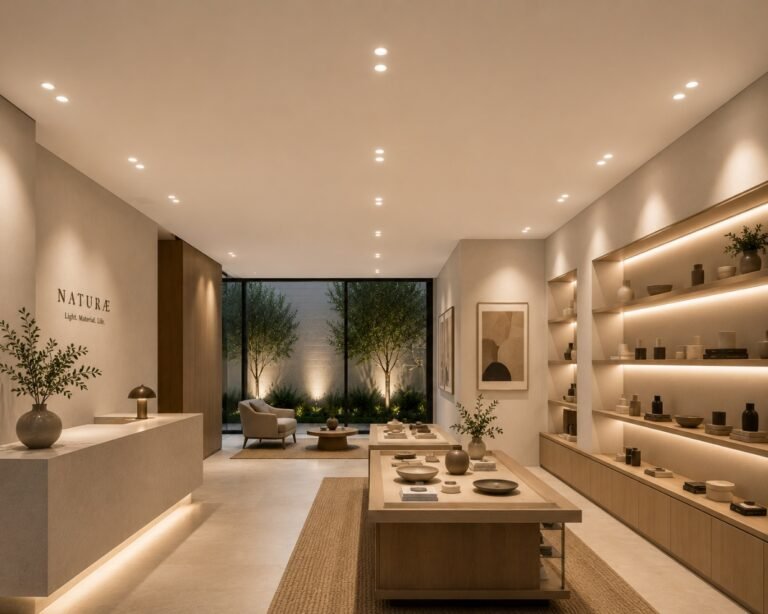
Remote lighting control is especially useful in commercial spaces where lighting requirements change throughout the day. Offices can adjust brightness for different activities, retail stores can enhance seasonal displays, and hospitality spaces can create different moods for daytime and evening settings—all without manually controlling each individual fixture.
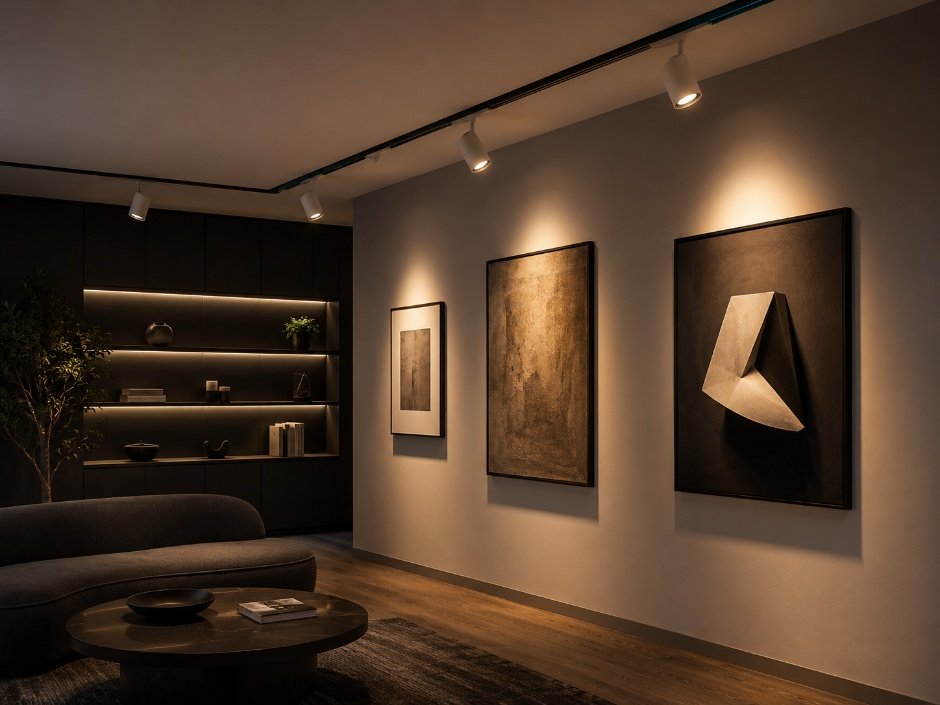
Controlling individual fixtures or separate lighting zones makes it easier to create the right atmosphere while improving functionality. Track lights, for example, can be controlled independently to highlight artwork, merchandise, displays, or architectural features without unnecessarily changing the lighting in surrounding areas.
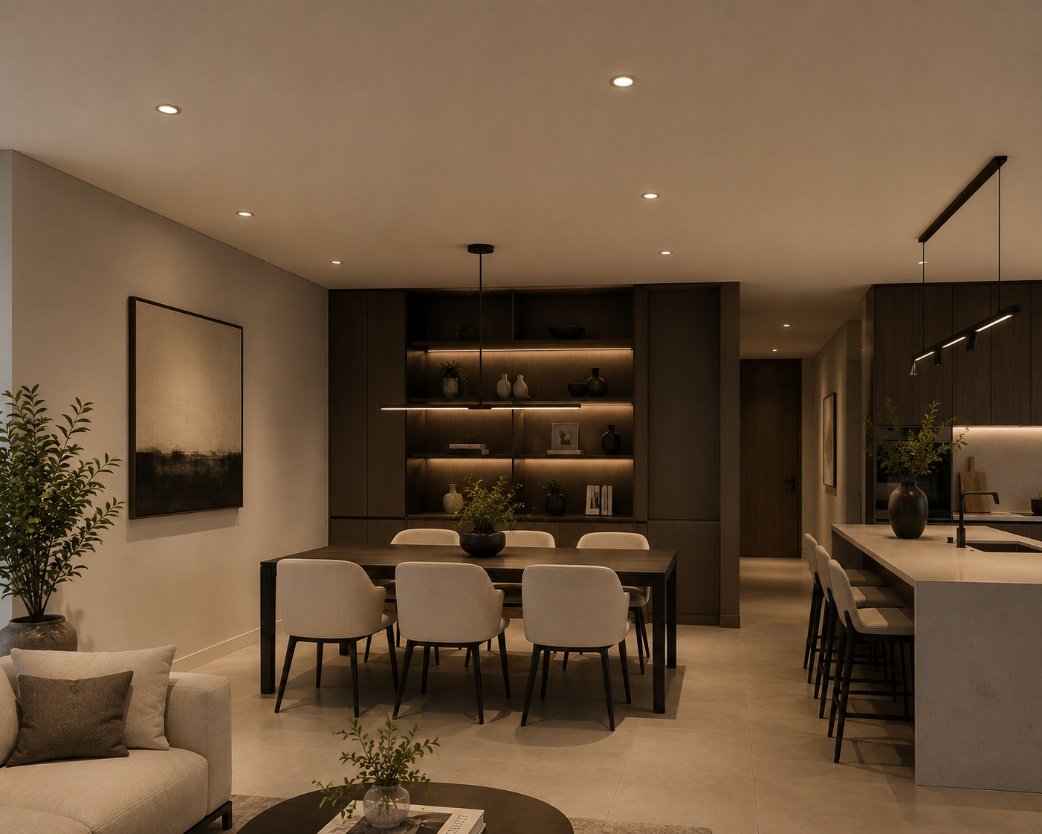
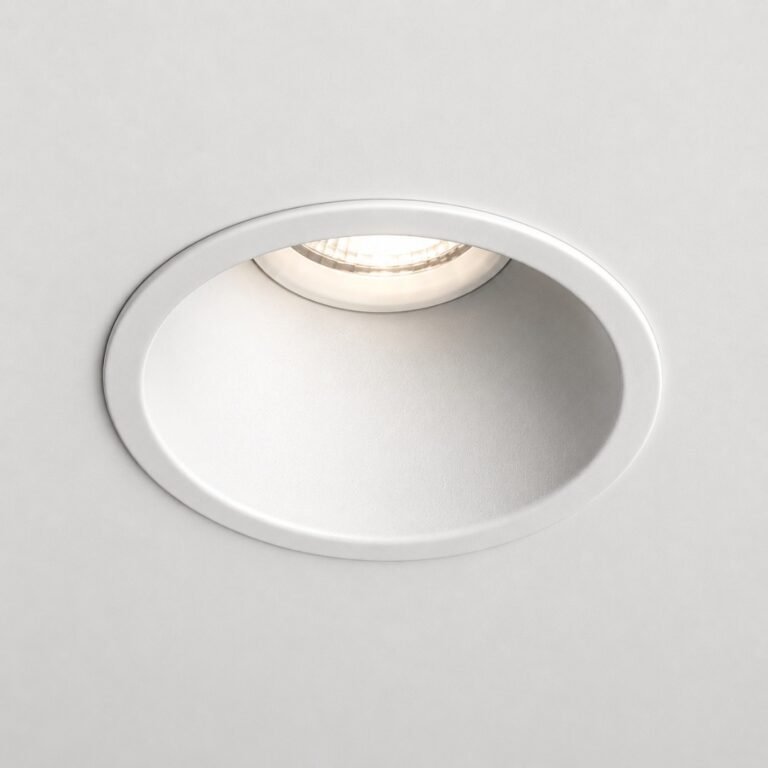
Lighting controls such as dimming can further improve comfort and efficiency by allowing brightness levels to match the needs of a space throughout the day. Recessed lights work particularly well with dimming systems, helping create a comfortable ambience while reducing unnecessary energy consumption during periods of lower activity.
Beyond convenience, remote lighting control can help both businesses and homeowners improve energy efficiency by ensuring lights operate only when required. Features such as scheduling, occupancy sensors, daylight sensors, and dimming controls can reduce electricity consumption while also supporting a longer service life for LED fixtures.
When choosing an LED lighting solution, future control requirements should also be considered. Selecting fixtures that are compatible with dimming and smart lighting systems provides greater flexibility, improves user comfort, and allows the lighting design to adapt as the needs and use of the space change over time.